
A different signup form on every storefront.
BigCommerce lets one store run several storefronts. Multi-storefront gives each its own form, emails and approval rules, while anything you do not override keeps following the defaults you already have.
Each storefront gets its own form, emails and approval rules. Anything you do not override follows your defaults.
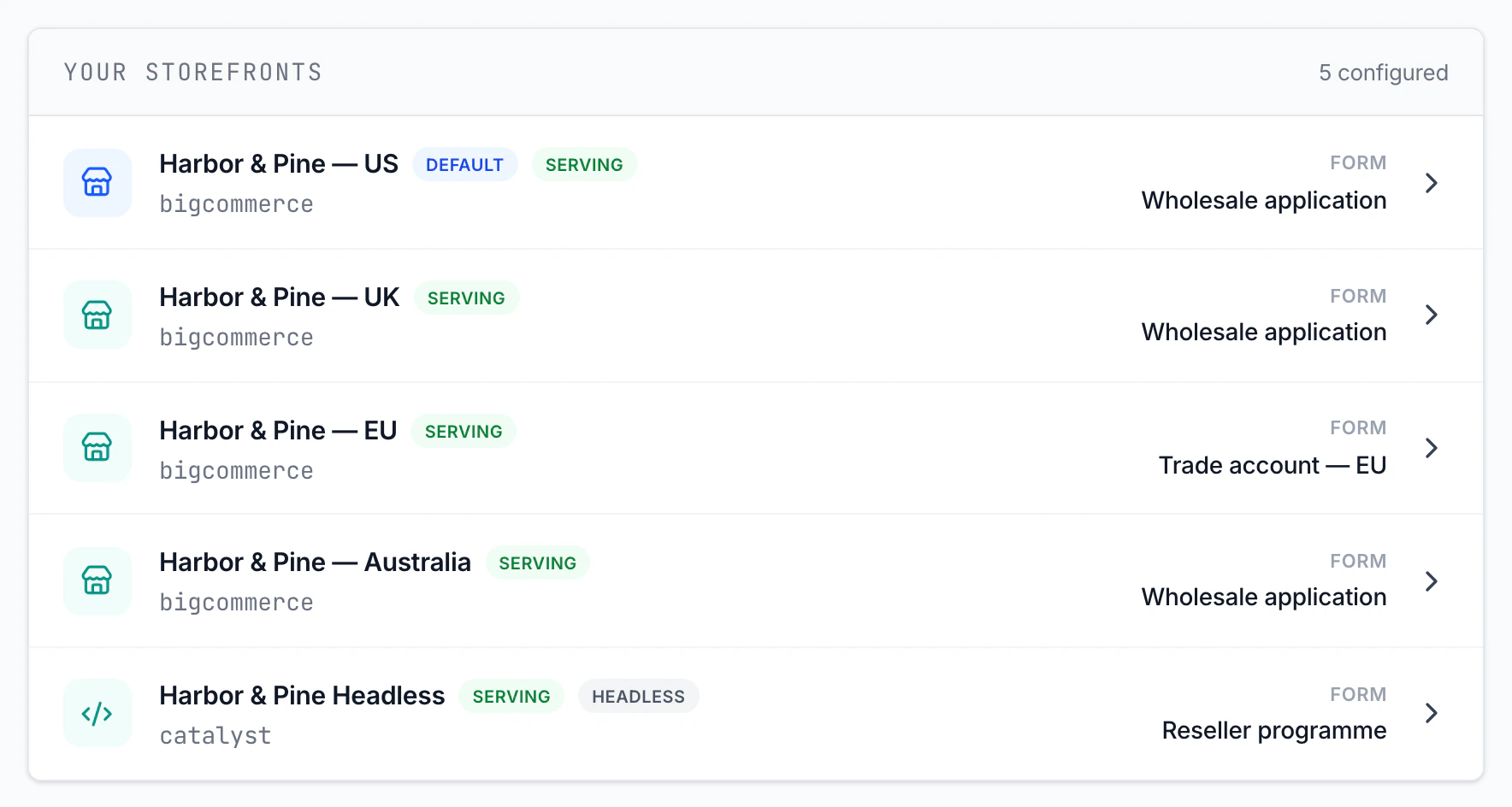
Override what differs. Inherit the rest.
Every setting shows whether it is inherited or overridden, so a storefront never drifts from your defaults by accident.
Signup form
Assign any saved form to a storefront, or one form to many at once.
Emails and branding
Templates, sender and logo per storefront, or keep the defaults.
Customer-group rules
Send wholesale applicants and retail shoppers to different groups.
Team notifications
Route new-signup alerts to the team that owns that storefront.
Cooldown
A longer cooling-off period on one storefront than on another.
BigCommerce customer settings
See and set the storefront's default and guest customer groups.
Catalyst, Next.js, Nuxt, React, Angular or any other web framework - paste two lines.
Headless storefronts get an embed snippet instead of a script injection. Drop an empty container where your signup form was and load the script. Each storefront's snippet is signed, so a request can only claim the storefront it came from.
Building a native app instead? An API is coming soon.
<!-- 1. Replace your signup form with this container -->
<div id="custom-signup-container"></div>

<!-- 2. Load the script on that page -->
<script src="https://[app-domain]/custom-signup.min.js?pub=[store-id]&ch=[channel]&sig=[signature]"></script>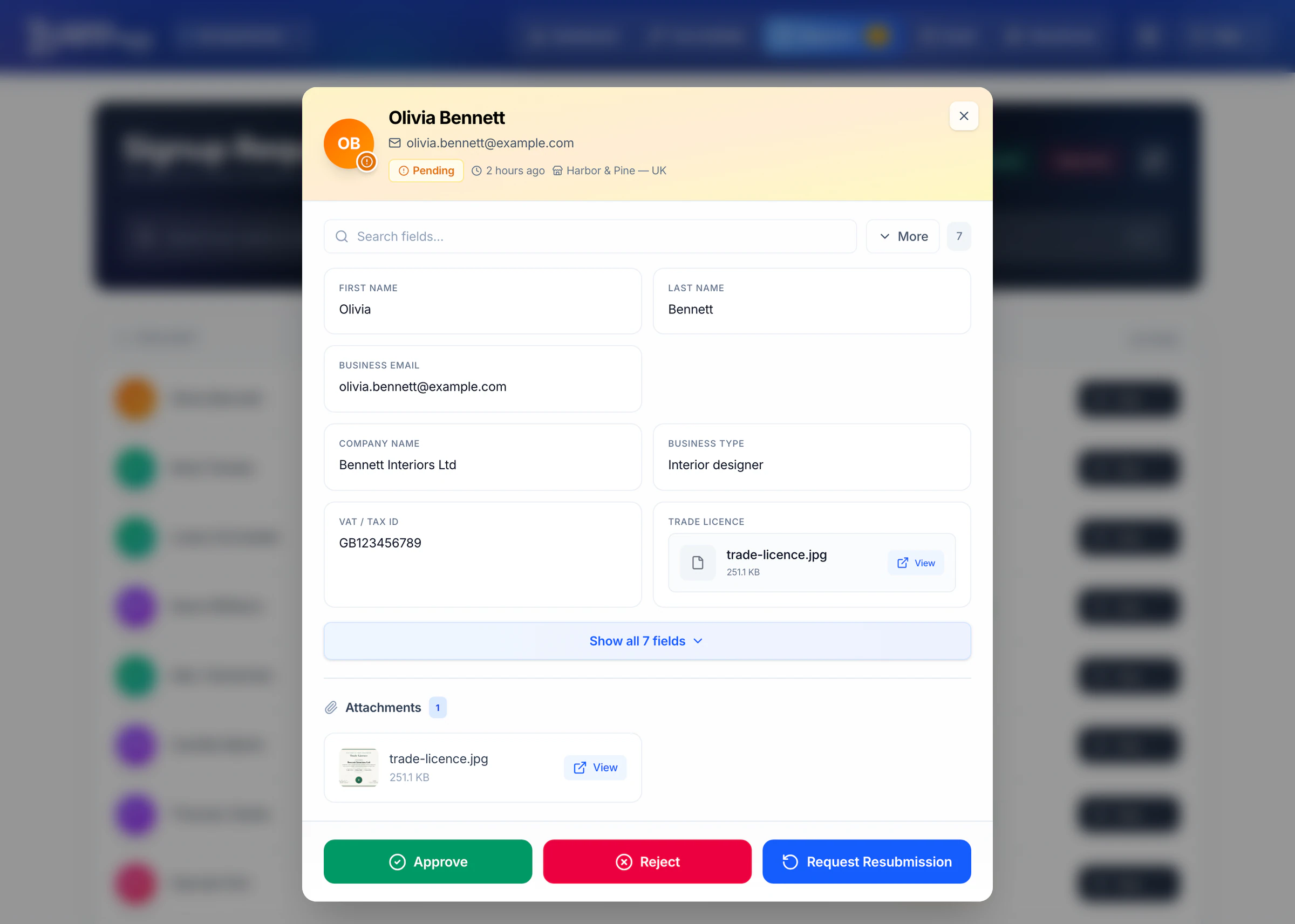
Know where every applicant came from.
Each request carries its storefront. Filter the queue to one storefront, or switch the whole app to it from the bar at the top - the dashboard, emails and settings follow.
Three steps, and your default storefront never changes.
- 1Turn it on
Your default storefront keeps serving exactly as it does today.
- 2Set up a storefront
Pick a channel, assign a form, override only the settings that should differ.
- 3Switch it on
The form goes live on that storefront. Switch any storefront off again at any time.
Up to 3 storefronts
Everything in Standard on each storefront, plus headless embed. 7-day free trial.
Start free trial4 or more storefronts
A storefront count agreed with you, an onboarding call, priority support with an SLA and invoicing on terms.
Contact us